


Mundi Mastering app brings professional audio mastering into your browser. No plugins, no installs, no DAW required. This guide walks you through your first session: from upload to a polished export.
What you'll need
A modern browser (Chrome, Firefox, Edge), account and a finished mix (track) you'd like to master. WAV or MP3 works too.
1. Sign in and load your track
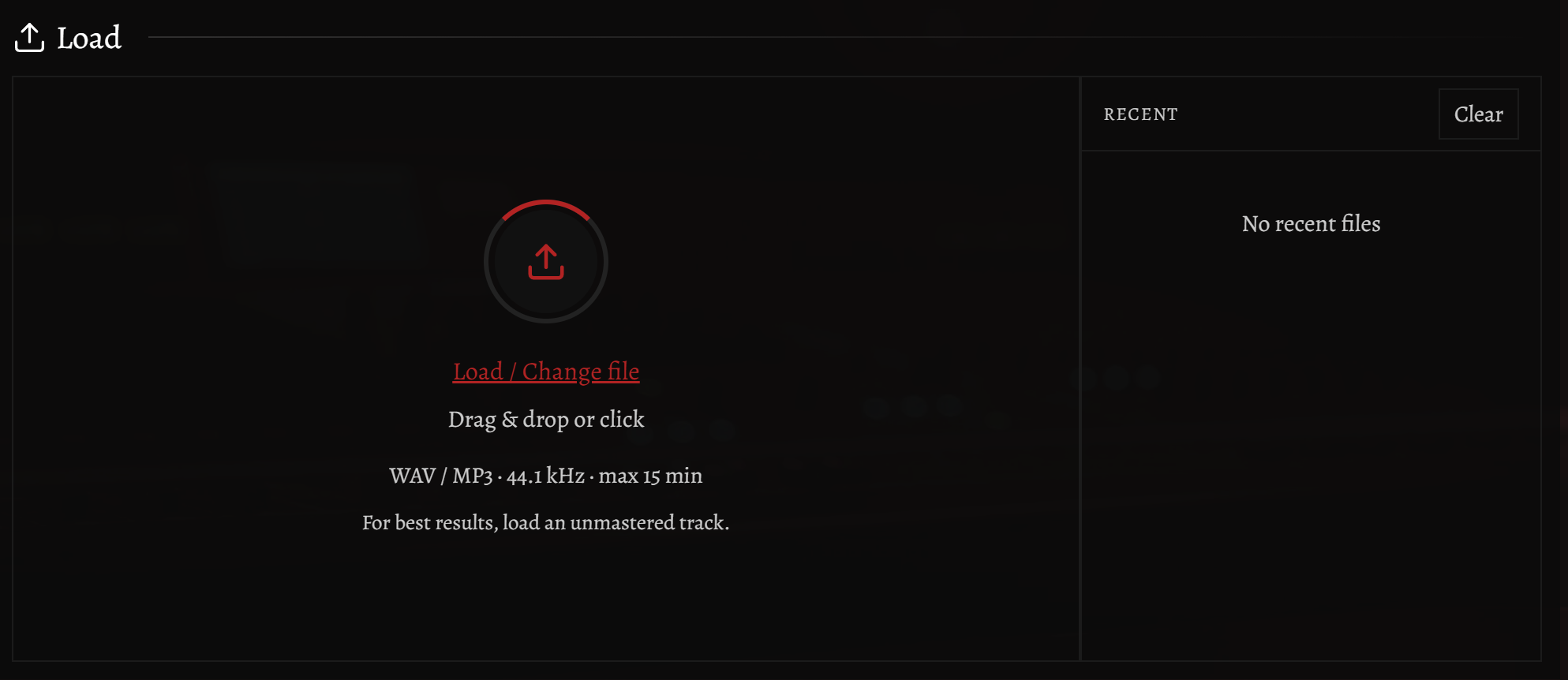
Open Mundi Mastering app login page and sign in with Google or your email. From the welcome screen, drag and drop your file onto the upload zone or click to pick one from disk.
The app analyzes the file in the background: peak level, integrated loudness (LUFS), dynamic range and spectral balance. You'll see the waveform appear within seconds.
2. Pick a preset
Presets are the fastest way to a great-sounding master. In the Built-in Presets section, choose one that matches your genre - there are tuned starting points for metal, pop, electronic, classical and more.
Each preset is a complete mastering chain (EQ, compression, stereo width, limiting) tuned for a specific sonic target. Click to one Apply to hear it on your track in real time if you have active button from original to mastered.
3. Adjust the loudness target
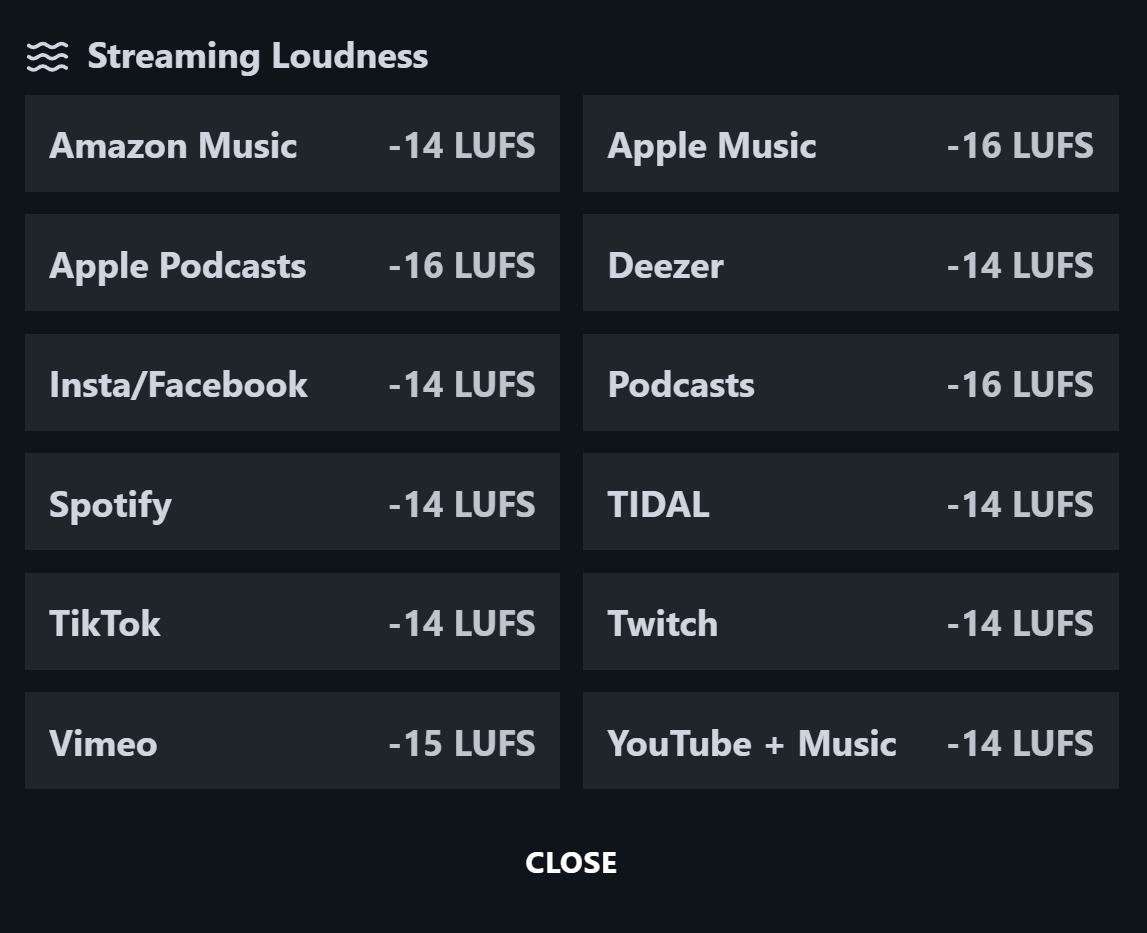
Set your target loudness in LUFS based on where the track will live:
- -14 LUFS - Spotify, Apple Music, YouTube
- -16 LUFS - Podcasts, audiobooks
- -9 to -7 LUFS - Club / loud streaming masters

4. Fine-tune (optional)
If you want to go deeper, open the Controls or Advanced Controls panel. From there you can tweak bass, brightness, stereo width and more. Every change updates the master in real time if you have active button from original to mastered.
Use Space to play / pause, M to mute and click anywhere on the waveform to jump.
5. Export your master
When you're done, click Export. Choose your format (WAV 24-bit, 44.1kHz recommended), then download. The export is rendered offline at full quality. No resampling artifacts, no lossy stages.
Welcome to Mundi Mastering. Built by a musician, for musicians.